This list is based on long-term use. I’m not chasing “the most features,” only apps that clearly reduce operational friction, stay stable, and can be trusted long-term. The principle is simple: fewer, better, and light-weight first.
If you’re building your own Mac workflow, I hope this helps.
1. Raycast
Website: https://www.raycast.com
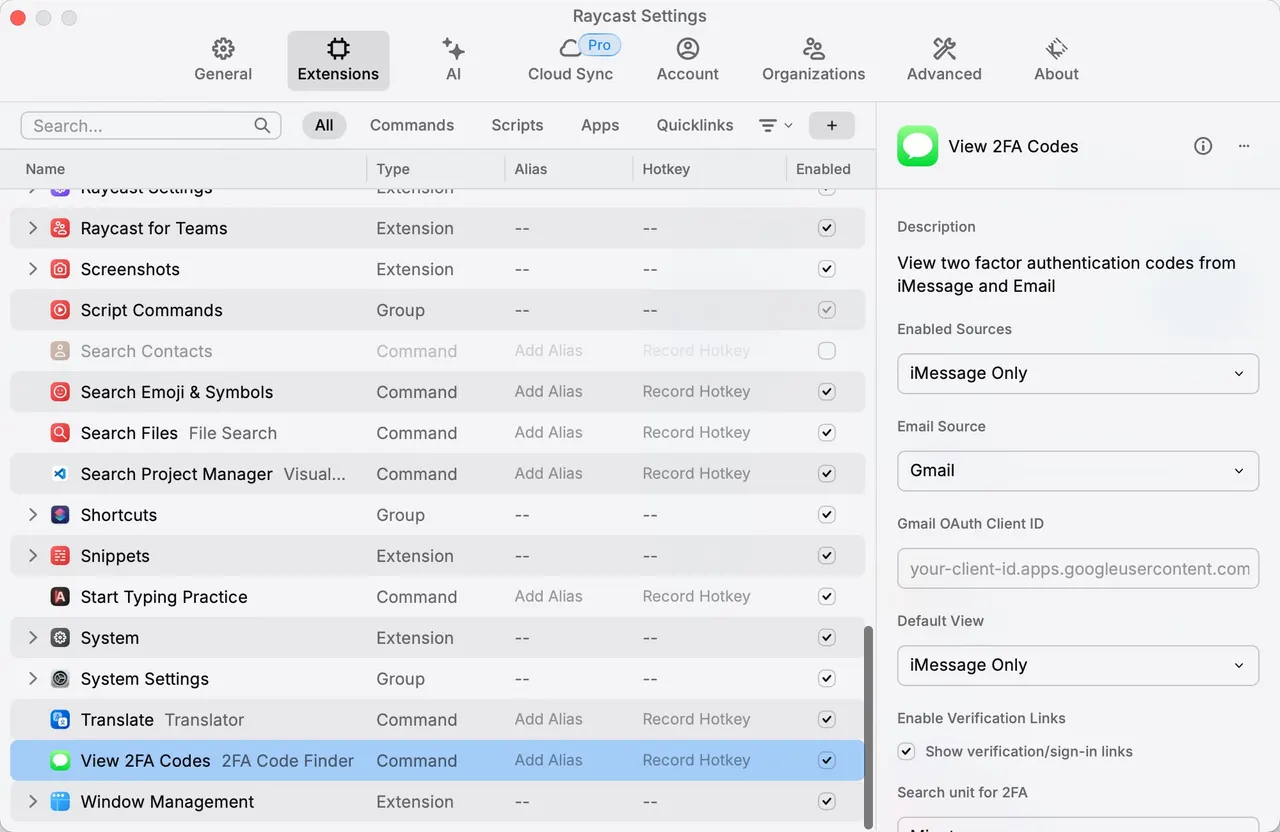
This is my personal “productivity gateway,” and the first app I recommend. Command + Space covers 80% of daily actions: launching apps, searching, running commands, quick switching.
My most used extensions:
- Clipboard History: revisit recent copies, great for writing and coding
- View 2FA Codes: see TOTP codes quickly without reaching for the phone
- Translate: quick translation for reading materials
The core reason I recommend it: fewer context switches, less attention breakage.
2. BetterDisplay
Project: https://github.com/waydabber/BetterDisplay#readme
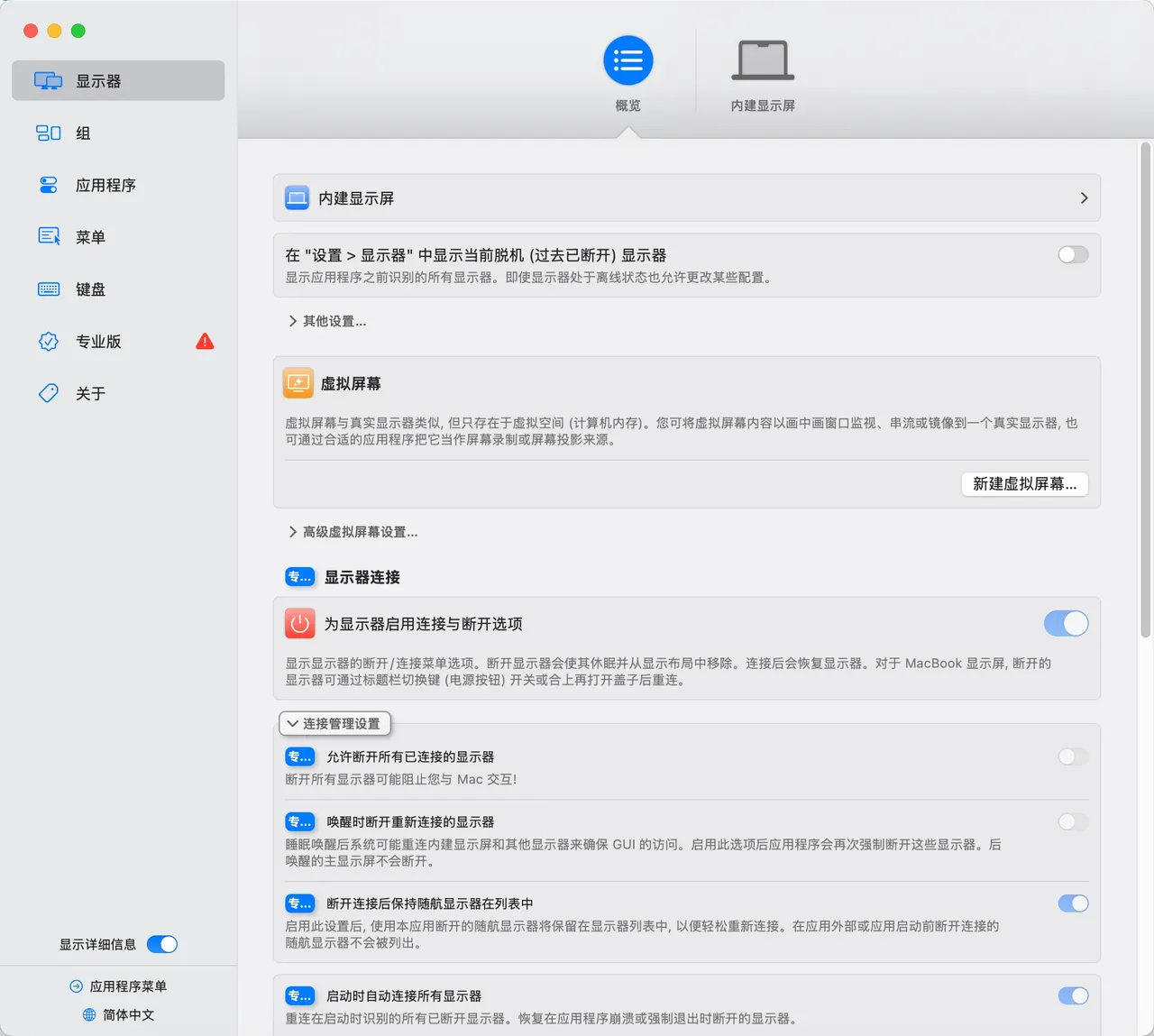
A lifesaver for external monitors. On a 2K display, native macOS scaling can look soft and awkward. BetterDisplay lets you fine‑tune scaling and rendering, with a visibly sharper result.
If you use external monitors—especially 2K—this is worth installing.
3. AltTab
Project: https://github.com/lwouis/alt-tab-macos
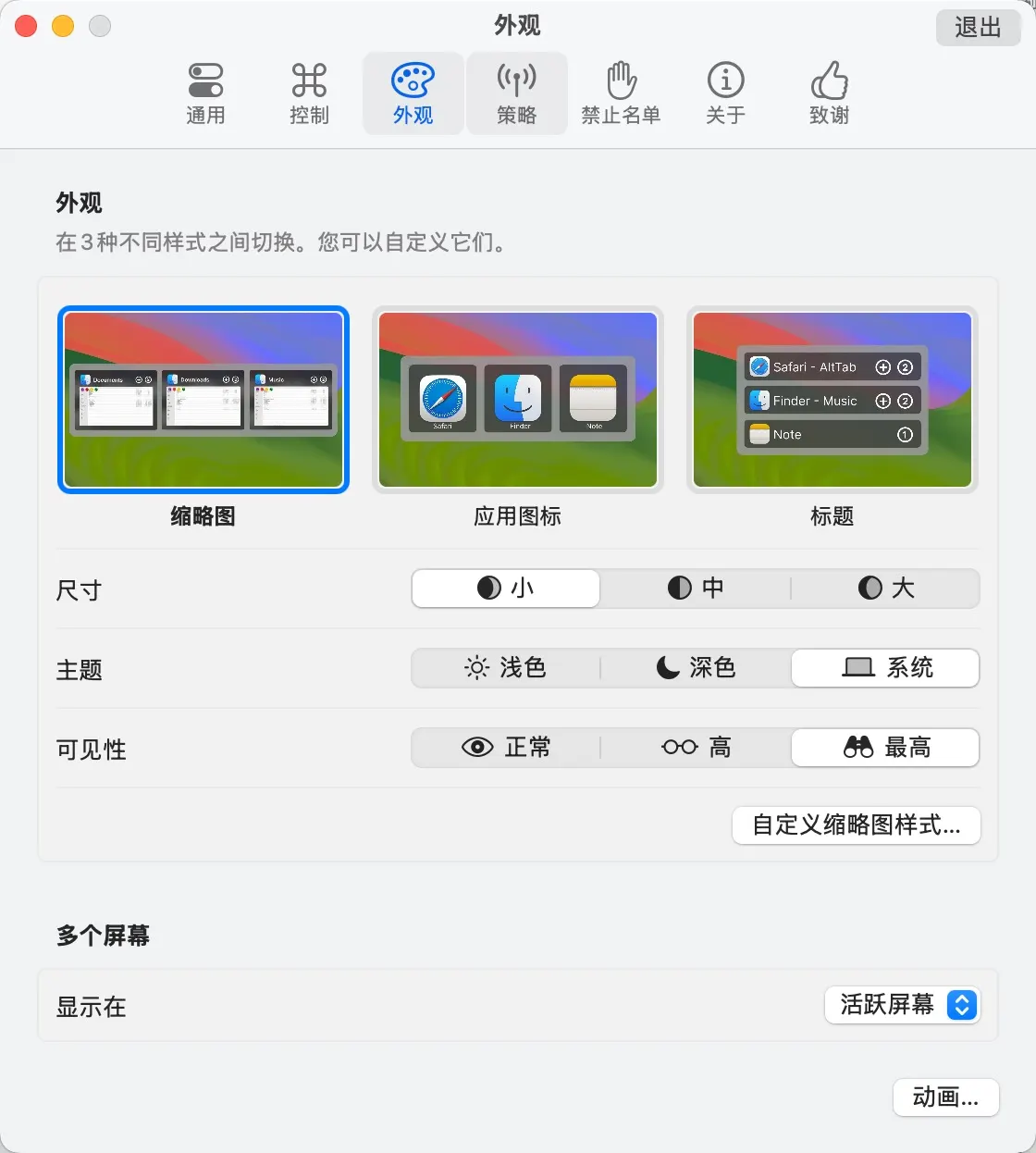
macOS’s built‑in app switcher doesn’t show window previews, which makes multitasking less intuitive. AltTab feels like Windows Alt+Tab:
- Window thumbnails
- Switch within one app or across all windows
- Much better for multi‑window workflows
If you jump between many windows, the improvement is obvious.
4. MOS
Website: https://mos.caldis.me
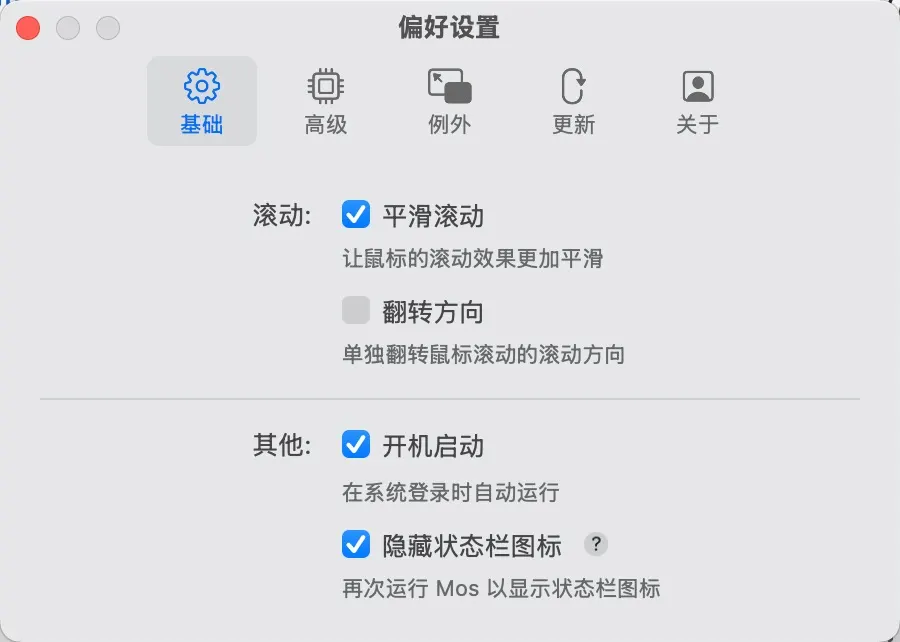
A tiny “install and forget” app. Scrolling becomes noticeably smoother, especially if you use a mouse.
5. Stats
Project: https://github.com/exelban/stats
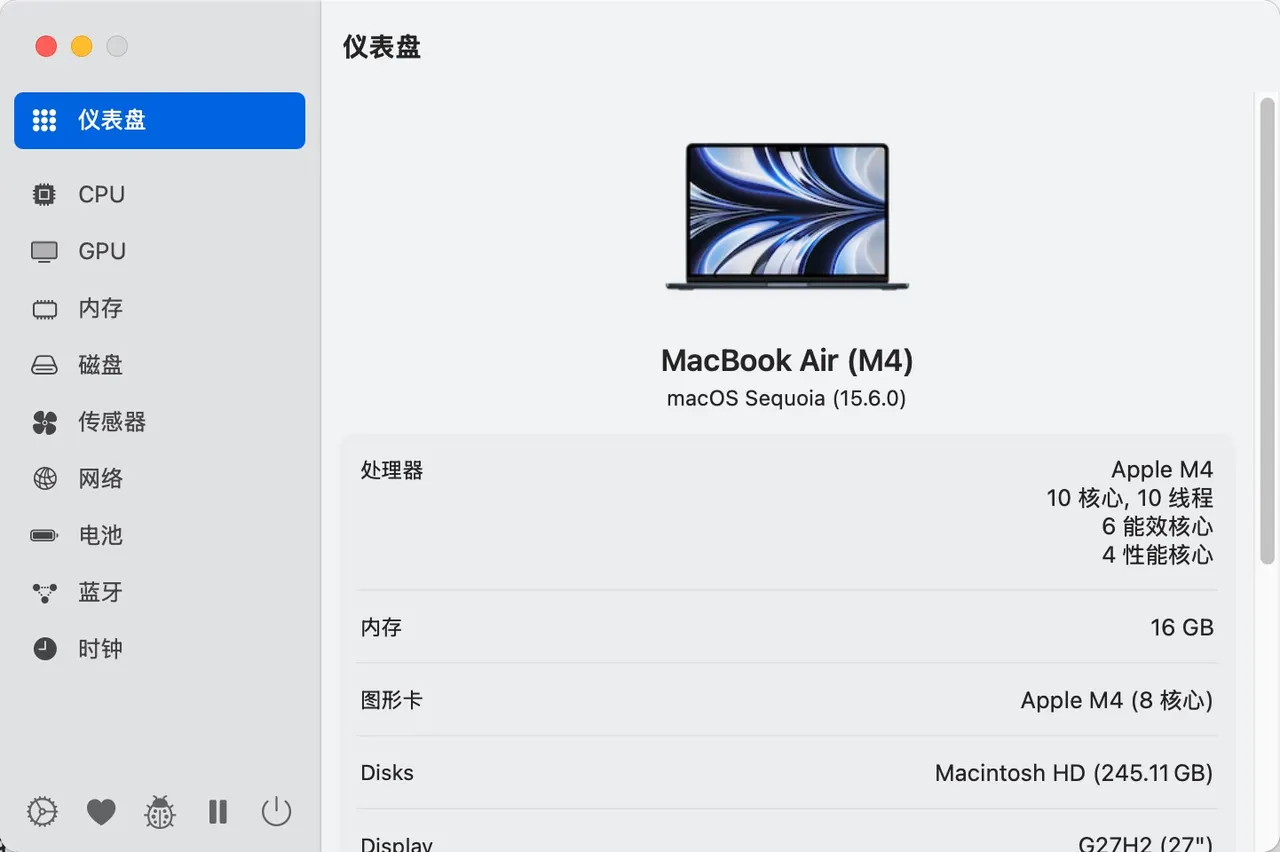
A lightweight menu‑bar monitor. I mostly use network status to check my IP, but it also handles CPU/memory/disk/temperature well.
Why I keep it: light, stable, and easy to configure.
6. Keka
Website: https://www.keka.io/en
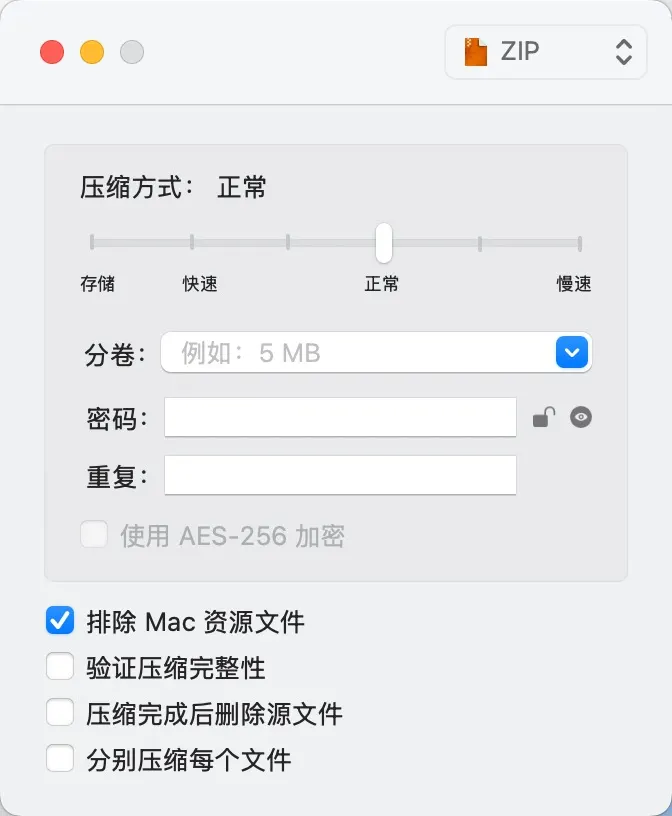
A dependable compression tool on Mac. It supports common formats, has a clean UI, and is low‑maintenance. I install it and never think about it again.
7. Keyden
Project: https://github.com/tasselx/Keyden
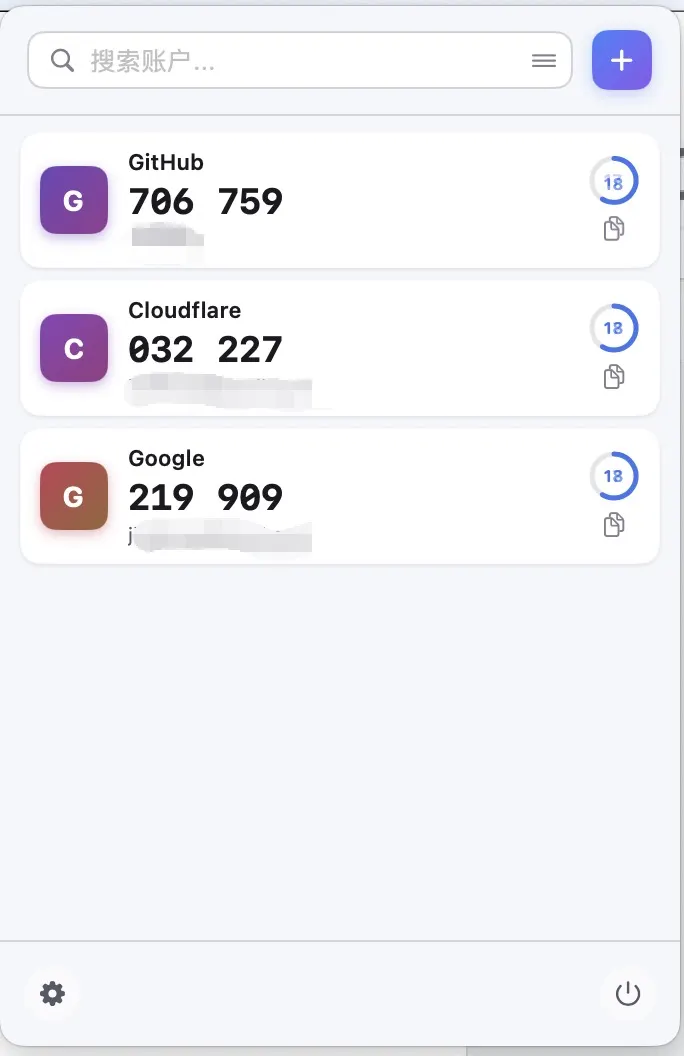
A convenient TOTP authenticator that lives in the menu bar. One click to see codes. If you log in frequently, this saves a lot of phone switching.
8. Shell360
Project: https://github.com/nashaofu/shell360
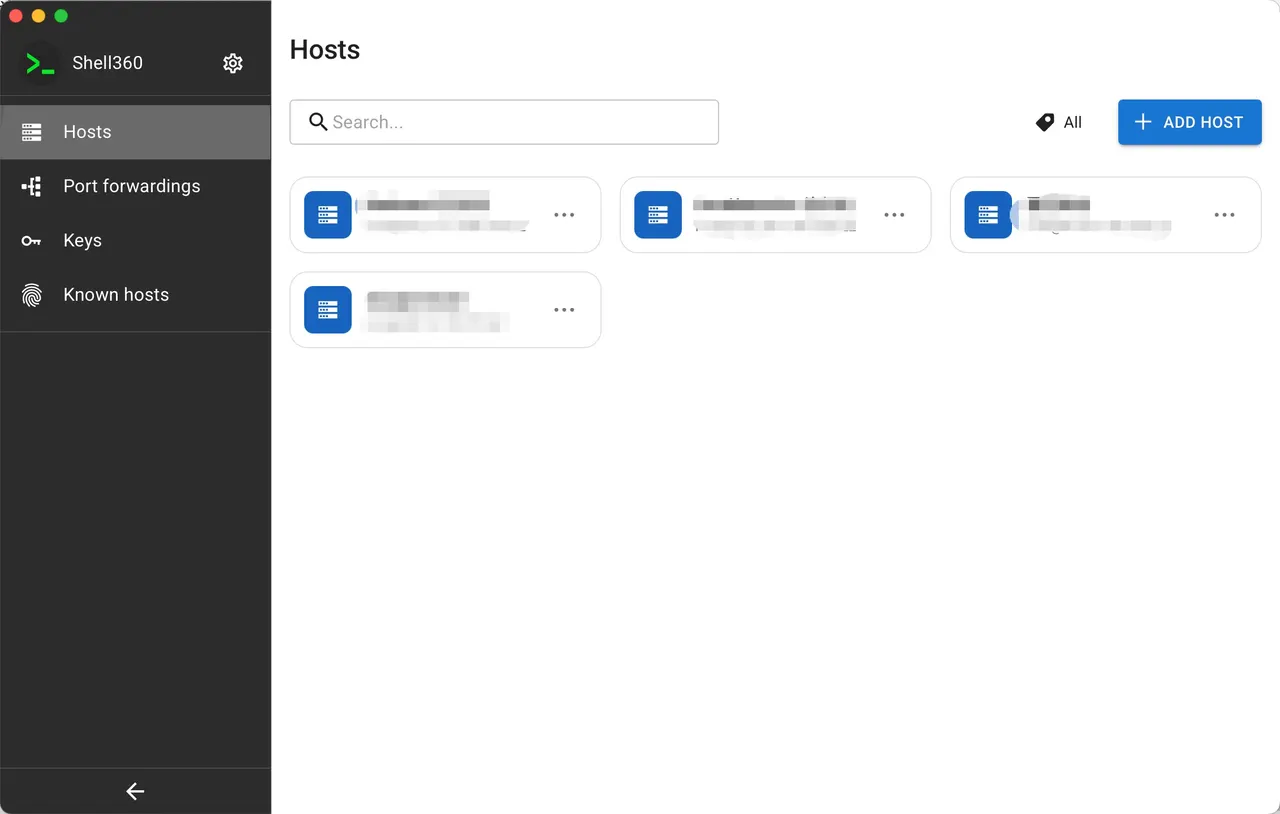
An SSH client with a clean interface and sensible defaults. For me it’s “simple and comfortable,” with no obvious downsides so far.
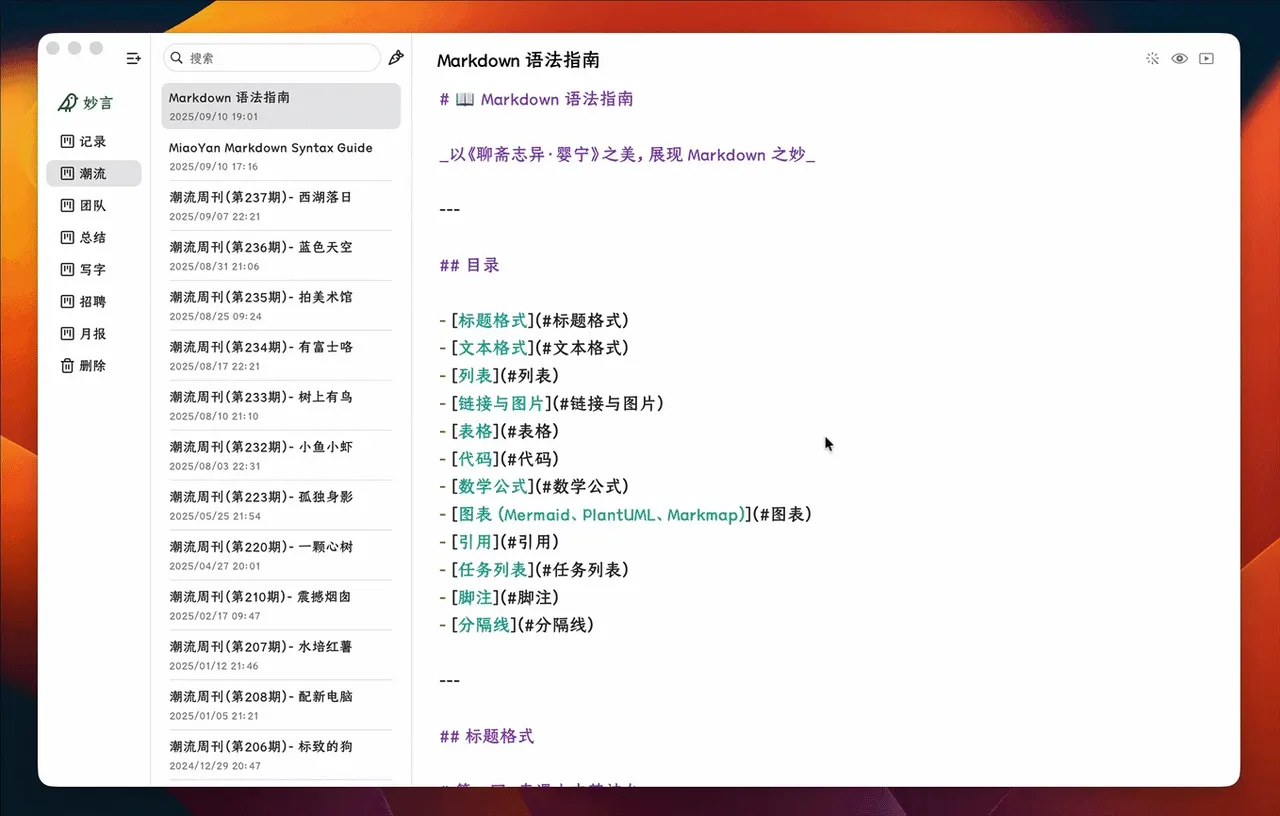
9. MiaoYan
Project: https://github.com/tw93/MiaoYan
A Markdown note app by Tw93, and the one I’m currently using. The biggest strengths are the beautiful UI and restrained features—it doesn’t become bloated with plugins and heavy configs.
If you write a lot or keep notes, MiaoYan feels great.
10. ClashMac
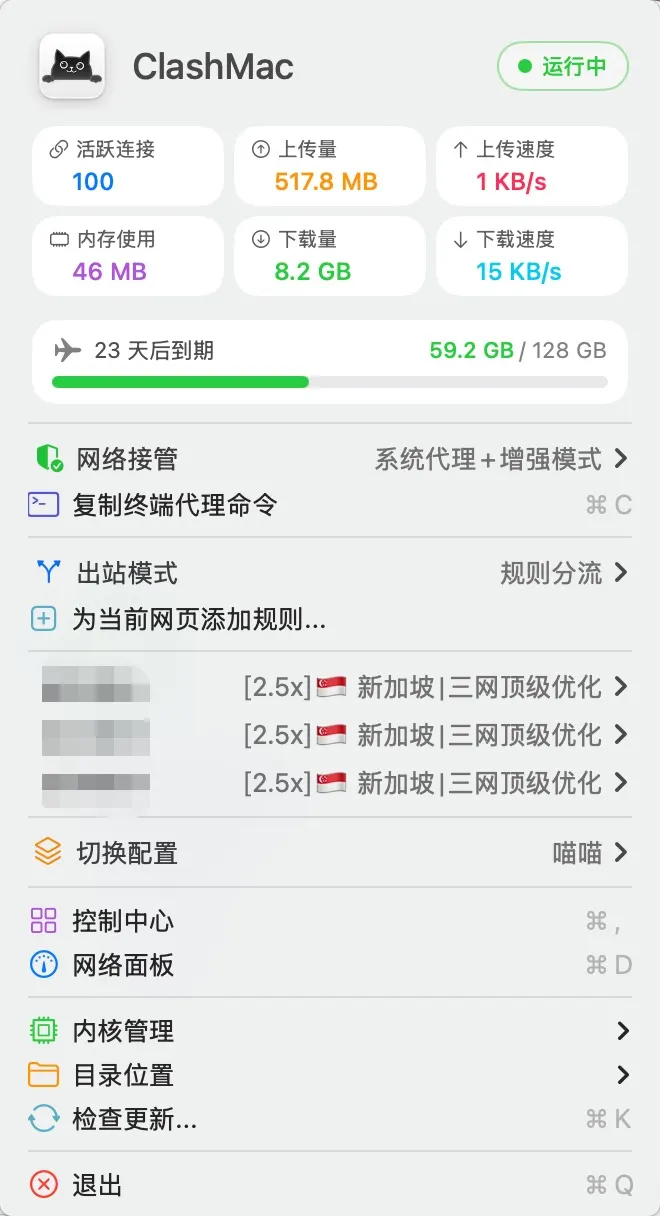
My proxy needs are minimal; stability comes first. After running into odd issues with Mihome and Spleak, I landed on ClashMac for one simple reason: intuitive menu‑bar controls, easy config, and stable behavior.
That’s my long‑term Mac toolkit. The rest is fairly standard: full‑stack dev tools + common communication apps.
If you have better picks, feel free to share.